review · Printers
Bambu Lab P2S Review: The New Default Enclosed CoreXY?
By Leo · Updated 2026-08-27
TL;DR
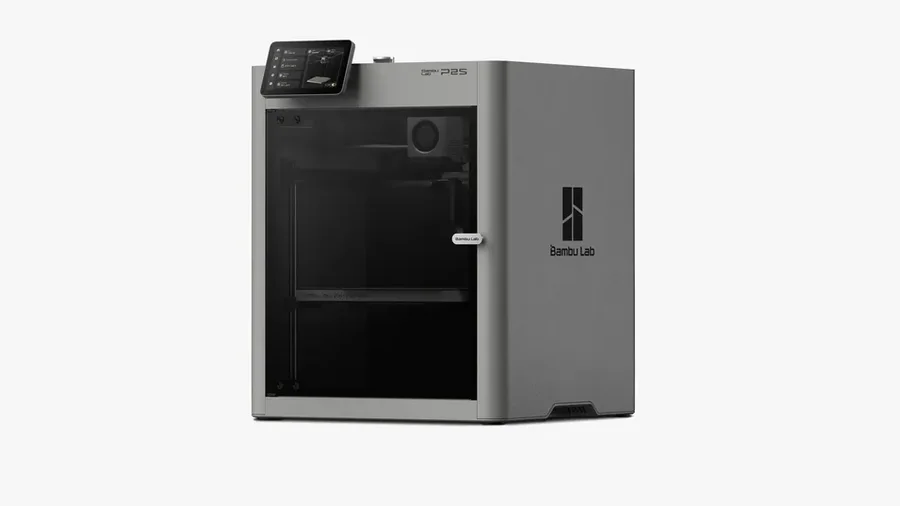
The P2S is Bambu Lab’s mid-range enclosed CoreXY, and on paper it’s the most complete machine in its price class: 600 mm/s printing, a servo extruder with 8.5 kg of extrusion force, AI print-failure detection, and a Combo option that bundles the AMS 2 Pro — which now dries filament while it feeds it. It earns its position as the default enclosed recommendation if you print PETG and up. Two honest caveats before you click buy: Amazon’s buybox runs about $20 above Bambu’s own store ($569 vs $549 for the base unit at this writing — the card below links to Amazon), and the chamber heats passively to about 50 °C — excellent for ASA-sized ambitions, not a magic solution for large ABS parts.
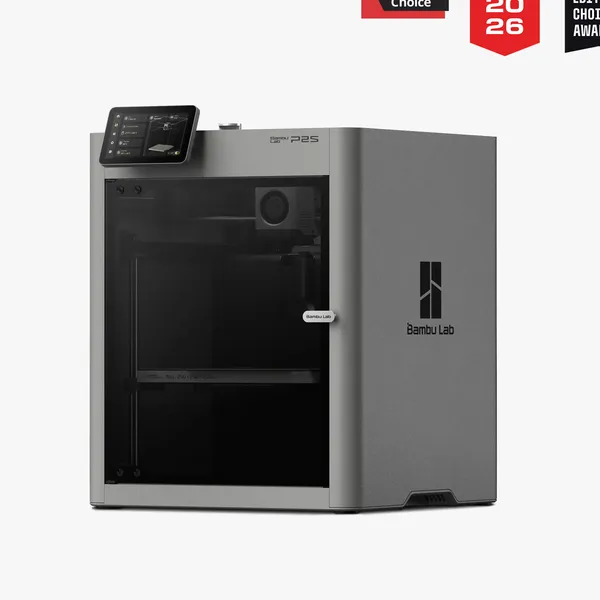
Bambu Lab
Bambu Lab P2S
- build volume
- 256 × 256 × 256 mm
- max speed
- 600 mm/s (1,000 mm/s toolhead peak)
- enclosure
- Yes
What it does well
Materials headroom is the story. A 300 °C hotend with a hardened steel nozzle and hardened extruder gear as standard means fiber-reinforced filaments (PLA-CF, PETG-CF, PPA/PPS-CF) run without an upgrade shopping list. The enclosed chamber holds roughly 50 °C passively — no active chamber heater, just insulation and airflow flaps — which is enough for small-to-medium ASA parts, per Bambu’s own specifications.
The servo extruder is the quiet spec that matters most. Bambu’s PMSM-driven extruder delivers up to 8.5 kg of extrusion force — about 70% more than its predecessor, per the manufacturer — with grinding and clog detection sampling at 20 kHz. In practice-adjacent terms: flexible filaments (TPU) and abrasive fibers are far less likely to turn into jam tickets, and the machine notices feed problems seconds after they start instead of after a spaghetti monument has formed.
That feeds the second headline feature: AI error detection on a 2 TOPS NPU — spaghetti detection, blob detection, and a pre-print start check. Bambu had AI detection on flagship machines; bringing it to this price class is the actual generation jump, because unattended printing reliability is what you’re paying a premium for over a $300 machine.
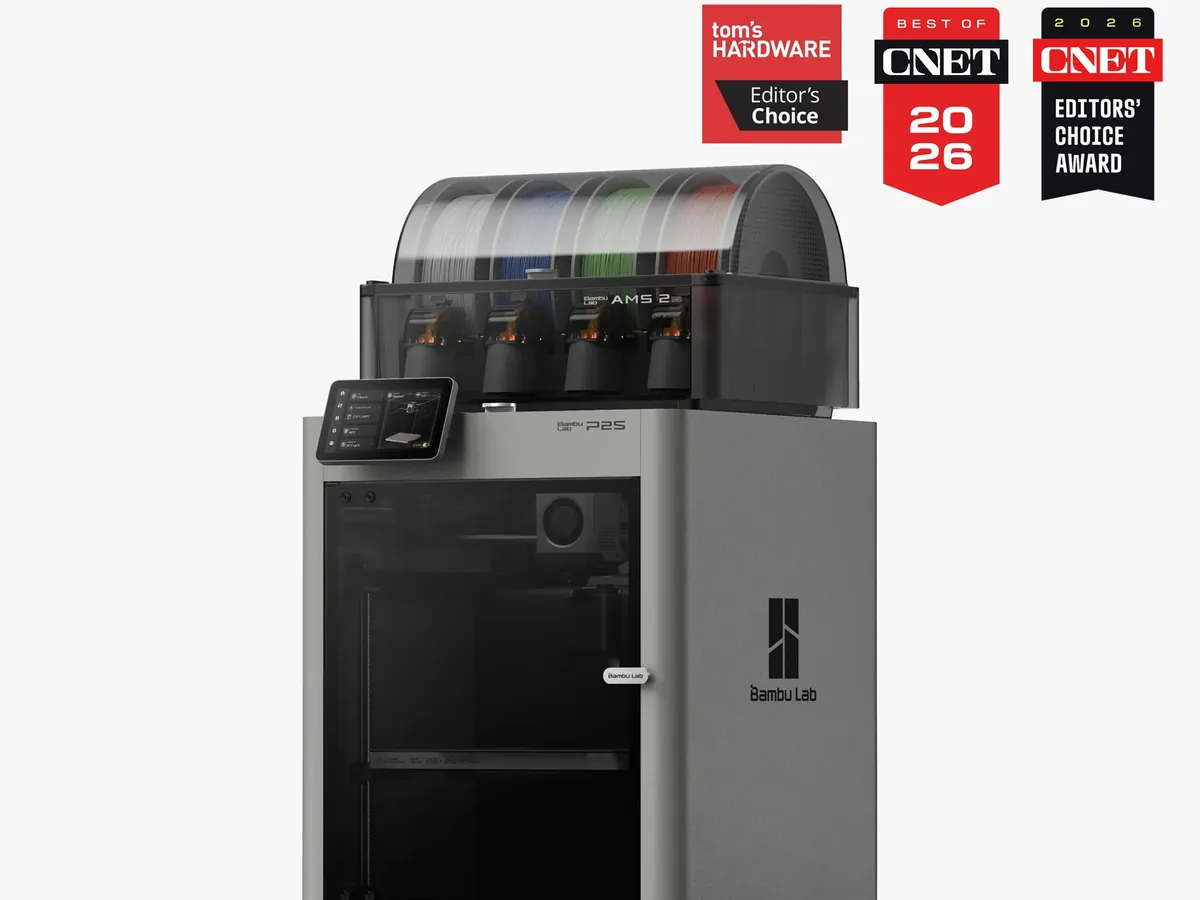
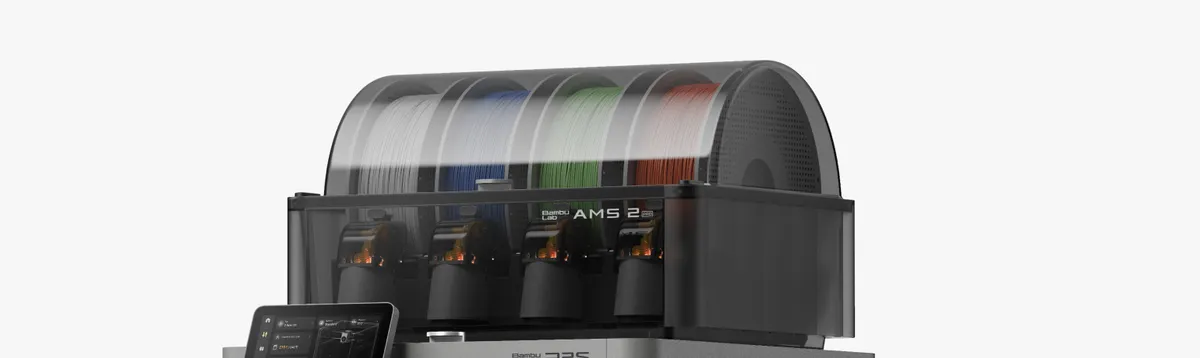
AMS 2 Pro closes the multicolor pain points. The Combo bundles the AMS 2 Pro, which actively vents humidity and can dry filament while printing — up to 30% faster than sealed-style drying, per Bambu — and supports up to 65 °C drying for engineering materials. Multicolor expansion goes as far as eight AMS units for 20 colors (manufacturer spec).
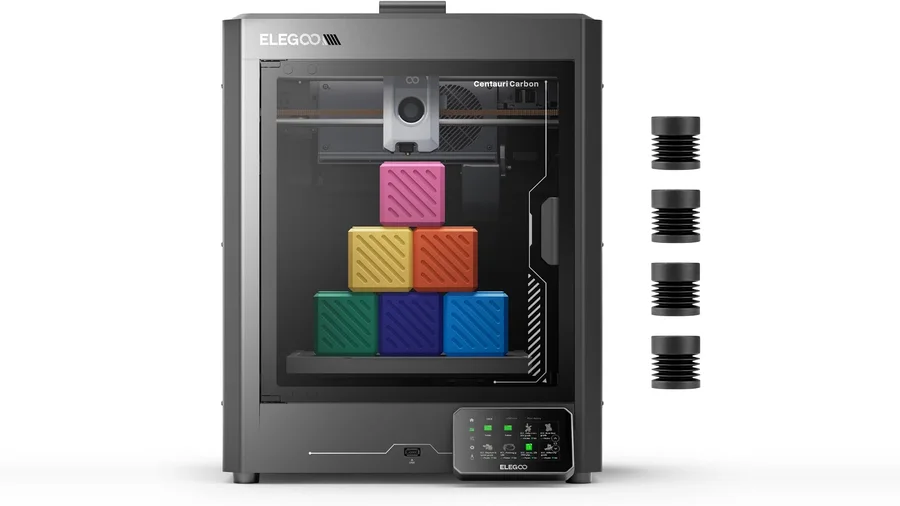
Workflow polish: a 5-inch touchscreen with the second-generation UI, a one-clip tool-free quick-swap hotend (Bambu claims ~30 seconds, no tools), a 1080p camera for the AI system and remote monitoring, and eddy-current sensors for active flow-rate compensation. None of these are reasons to buy alone; together they’re the gap between a $300 machine and this one. If you want to see how this tier compares against the budget champion, read Centauri Carbon vs P1S — the P2S tightens that argument further.
The honest caveats
- Amazon premium. Bambu sells direct on Amazon through its official store, but the buybox runs ~$20 above Bambu’s own storefront ($569 vs $549 base; $769 vs $749 Combo, checked 2026-08-27). Convenience has a sticker price.
- Passive chamber heat. ~50 °C is “engineering-filament ready”, not H2D-class. Large, flat ASA or ABS parts still warp more than they would in an actively heated chamber. Manage expectations, not just specs.
- Generation reset on spares. The quick-swap hotend takes H2D-family nozzles; P1S and A1 nozzles do not carry over (manufacturer FAQ). Your P1S spare-parts bin is not a P2S spare-parts bin.
- Proprietary ecosystem gravity — same trade-off as every Bambu machine: excellent profiles, closed-ish hardware. Tinkerers, weigh this.
Pros
- Servo extruder with 8.5 kg force — TPU and CF filaments without modding
- AI failure detection at mid-range price
- AMS 2 Pro dries filament while printing
- Hardened 300 °C hotend standard, tool-free swaps
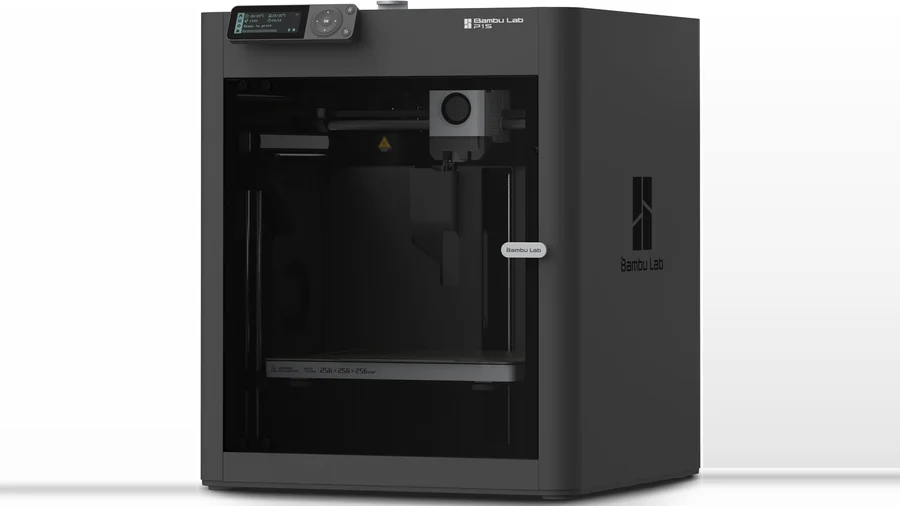
- Same 256 mm volume as P1S in a familiar footprint
Cons
- Amazon buybox ~$20 above Bambu's direct price
- Chamber heats passively (~50 °C), no active heater
- New hotend generation: P1S/A1 spares don't fit
- No hands-on data from us yet — rating pending protocol test
Where to buy
Checked against live listings 2026-08-27:
- Amazon — Bambu Lab sells direct through its official Amazon store: the base unit is $569 and the Combo with AMS 2 Pro is $769, both in stock, sold and shipped by Bambu Lab Store. The “Check Price” button on this page goes to the base unit’s Amazon listing — it’s an affiliate link, so we earn a commission if you buy through it.
- Bambu’s own store — the same machines run $549 / $749 direct, about $20 less per SKU if you don’t mind skipping Amazon.
- Prices on Bambu SKUs move around (the older P1S base is currently $399 on Amazon, down from $599 earlier this summer) — if you’re flexible on timing, watch both channels.
Protocol data: pending
Our printer test protocol run on the P2S is scheduled. Benchy scoring, dimensional accuracy, and 20-hour reliability numbers will land in this review when measured, and the rating will update the same week. Everything above is manufacturer specifications plus award attribution (Tom’s Hardware Editor’s Choice; CNET Editors’ Choice and Best of 2026 badges on Bambu’s own materials) — labeled as such, per how we handle untested hardware.
Who should buy it
- PETG/ASA/TPU printers who want turnkey: this is the exact audience the materials package targets
- Unattended printers: AI detection + servo extruder feed monitoring is the anti-spaghetti insurance policy
- P1S owners: read P1S vs P2S — the upgrade case is specific, not automatic
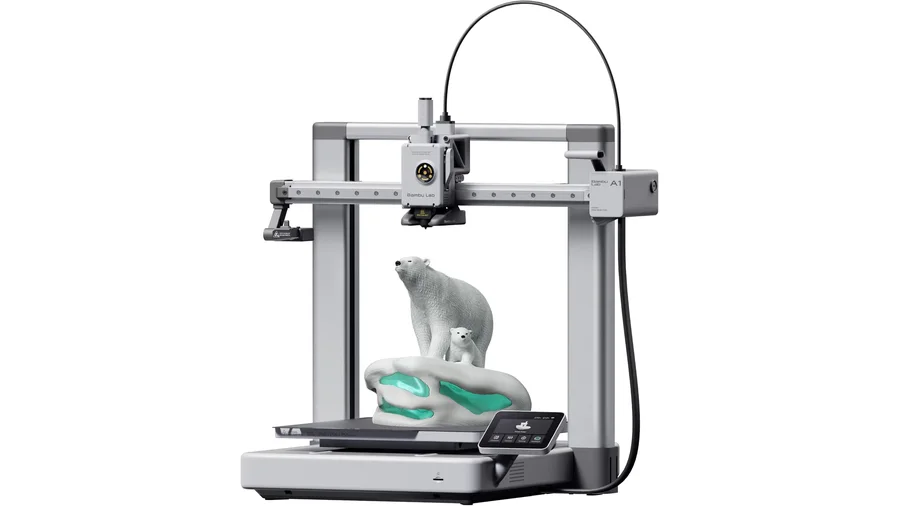
- PLA-only beginners: start with the A1 instead and pocket $150; see best printers for beginners for the full picture
FAQ
Can you buy the Bambu Lab P2S on Amazon?
Yes — through Bambu Lab's official Amazon store. As of August 2026 the base unit is $569 and the Combo with AMS 2 Pro is $769, both sold and shipped by Bambu Lab Store. Bambu's own storefront runs about $20 cheaper ($549/$749) if you prefer buying direct.
Is the P2S a good first 3D printer?
It's a capable one, but probably not the right first one for most people. If you mainly print PLA, the A1 costs $150 less and covers it. The P2S earns its price when you specifically want an enclosure, higher-temp materials, or multicolor with drying — which is rarely a day-one need.
Does the P2S print ABS and ASA well?
Small-to-medium ASA parts: yes, that's what the ~50 °C passive chamber and carbon filtration are for. Large flat ABS parts will still warp more than in an actively heated chamber — if ASA is your main material, consider that limitation carefully.
Do P1S hotends and parts fit the P2S?
No. The P2S uses the new one-clip quick-swap hotend (H2D-family nozzles are compatible; A1 nozzles are not, per Bambu's FAQ). Plan for a fresh spare-parts kit if you're moving from a P1S.