review · Printers
Bambu Lab P1S Review: The Enclosed Workhorse, Still the Default?
By Leo · Updated 2026-09-06
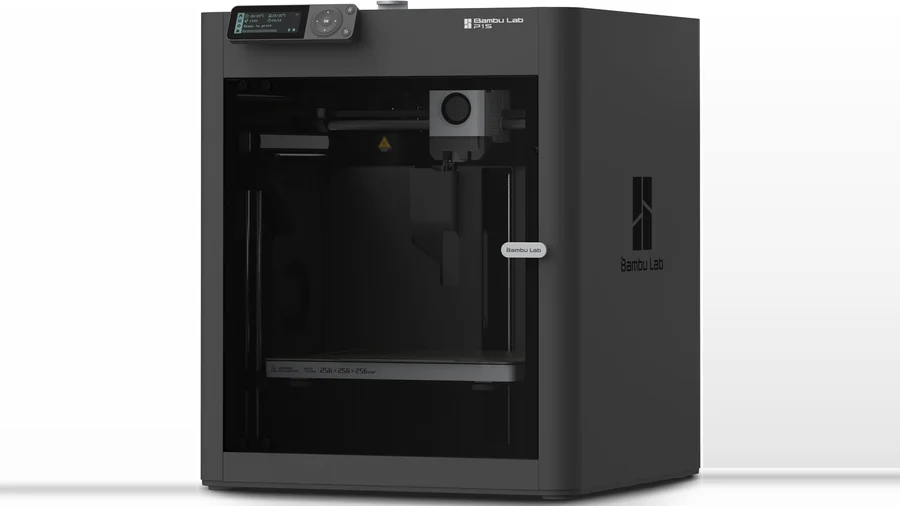
Is the Bambu Lab P1S still worth buying?
Yes — at $399 (verified live on Amazon, sold first-party; it launched at $599), the P1S is the price-to-reliability default in enclosed 3D printing: a 256 mm CoreXY that prints ABS/ASA comfortably, runs Bambu’s best-in-class ecosystem, and takes the AMS multicolor path. The P2S succeeded it with smarter hardware, but the P1S at $399 remains the cheapest way into Bambu’s enclosed ecosystem — and for most people, that’s the deciding sentence. This review synthesizes manufacturer specs and long-term community consensus; our protocol run hasn’t touched it yet.
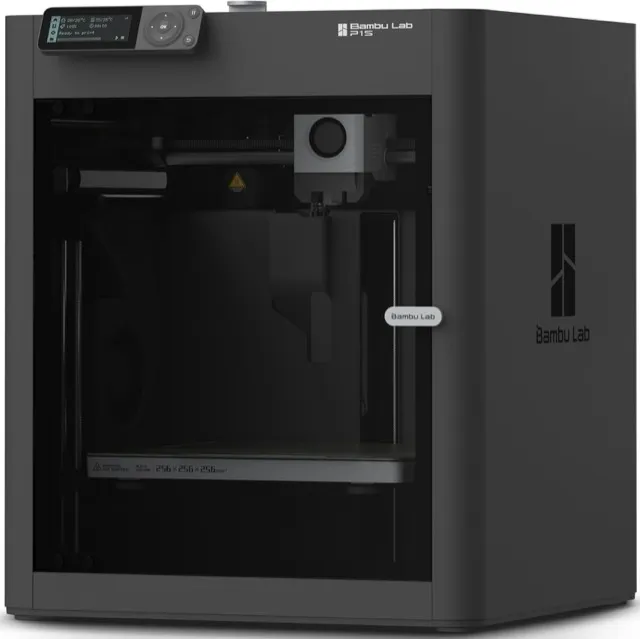
Bambu Lab
Bambu Lab P1S
- build volume
- 256 × 256 × 256 mm
- max speed
- 600 mm/s
- enclosure
- Yes
What makes the P1S the default
- Enclosed CoreXY done right. 256 × 256 × 256 mm, 600 mm/s rated, a chamber that makes PETG boring and ABS/ASA practical. Community reliability consensus around this machine is the strongest in its class — it’s the printer other enclosed machines get compared against.
- The ecosystem is the moat. MakerWorld’s profile library, community troubleshooting depth for every edge case, and the AMS multicolor path — no enclosed competitor matches the combination at $399.
- Setup-to-print time. Bambu’s calibration-and-go experience is the industry reference; the P1S inherits it wholesale.
The honest limitations
- Screen and UI are minimal. The P1S’s control interface is utilitarian; the P2S and X1 line are nicer to live with. App-first users won’t care.
- Chamber heating is passive. Unlike the X1E-class machines, the P1S chamber warms from chamber circulation, not an active heater — fine for ABS in a warm room, marginal for demanding engineering materials in a cold garage.
- AMS sold separately. Multicolor requires the AMS unit on top of $399; budget the real total before deciding.
- Servo extruder? No. The P2S’s 8.5 kg-force servo extruder, 300 °C-hardened standard hotend, and tool-free quick-swap hotend are real hardware upgrades — our P1S vs P2S comparison details what changed.
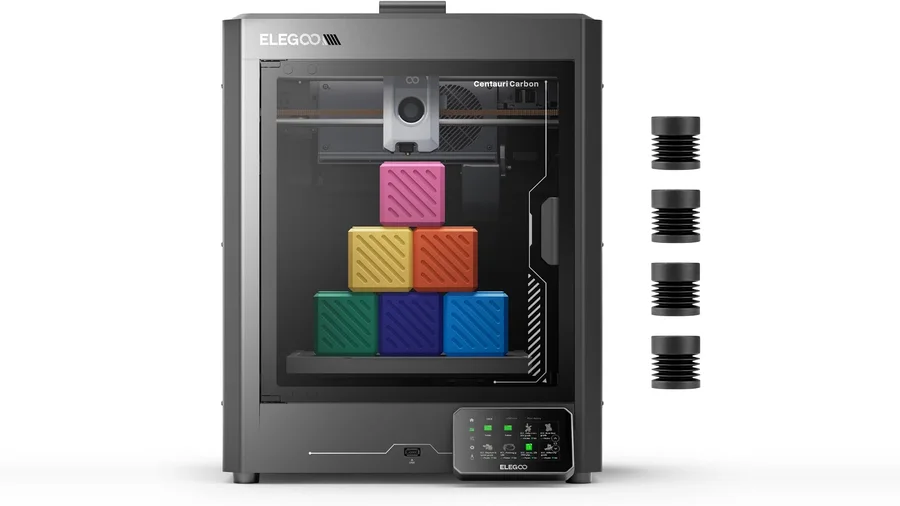
P1S vs P2S vs Centauri Carbon
| Product | Rating | Build Volume | Max Speed | Enclosure | Buy |
|---|---|---|---|---|---|
| Bambu Lab P1S | 4.6 (community est.) | 256 × 256 × 256 mm | 600 mm/s | Yes | View |
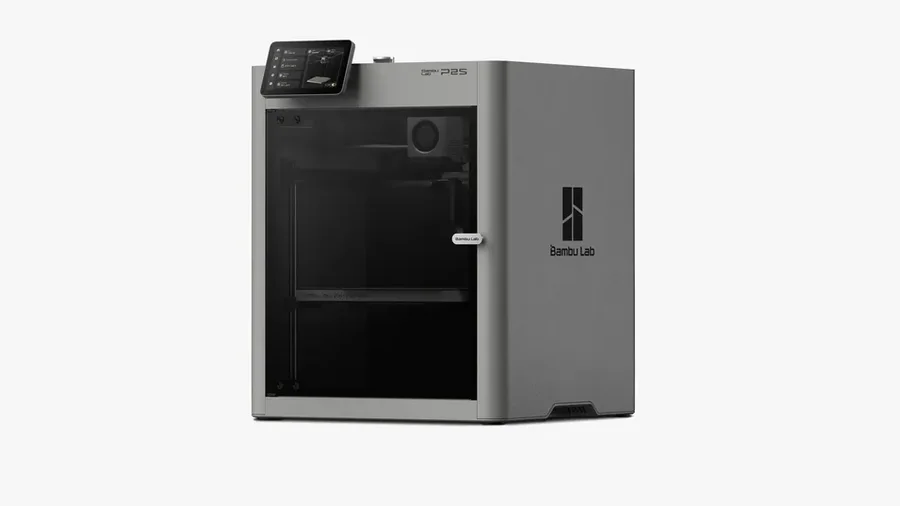
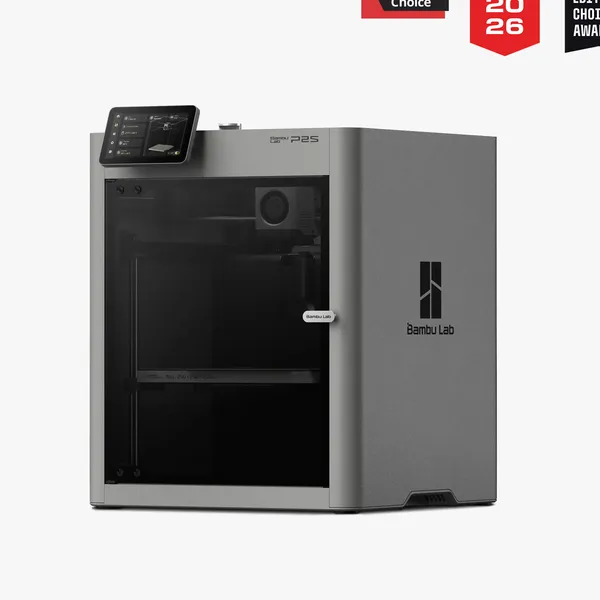 Bambu Lab P2S | — | 256 × 256 × 256 mm | 600 mm/s (1,000 mm/s toolhead peak) | Yes | View |
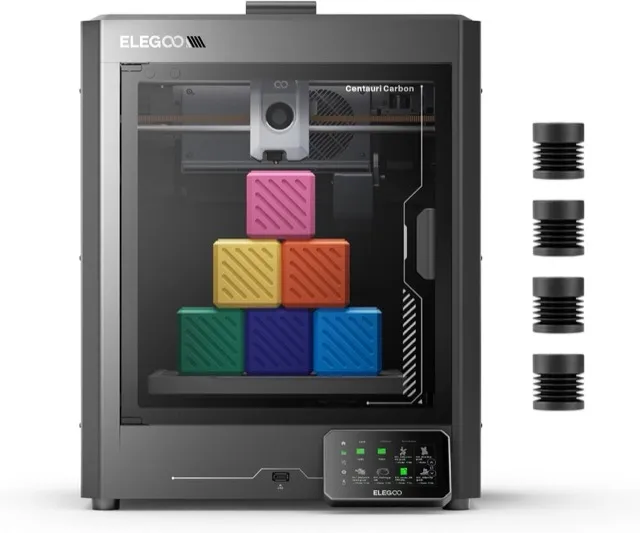 Elegoo Centauri Carbon | 4.4 (community est.) | 256 × 256 × 256 mm | 500 mm/s | Yes | View |
The decision logic, compressed: P1S = cheapest entry to the ecosystem (this review); P2S = buy-once hardware (our P2S review); Centauri Carbon = budget plays first. Cross-brand specifics in P1S vs Centauri Carbon.
Who should buy it
- First enclosed printer, $400 budget — the safest all-around answer in 2026
- ABS/ASA and PETG-focused makers who want reliability over spec-sheet peak numbers
- Future multicolor users — the AMS path is the most mature in the industry
- Skip if you print 300 mm parts (K1 Max class), or if the P2S’s hardware refinements are worth $170 to you
FAQ
Is the Bambu Lab P1S worth it over the cheaper A1?
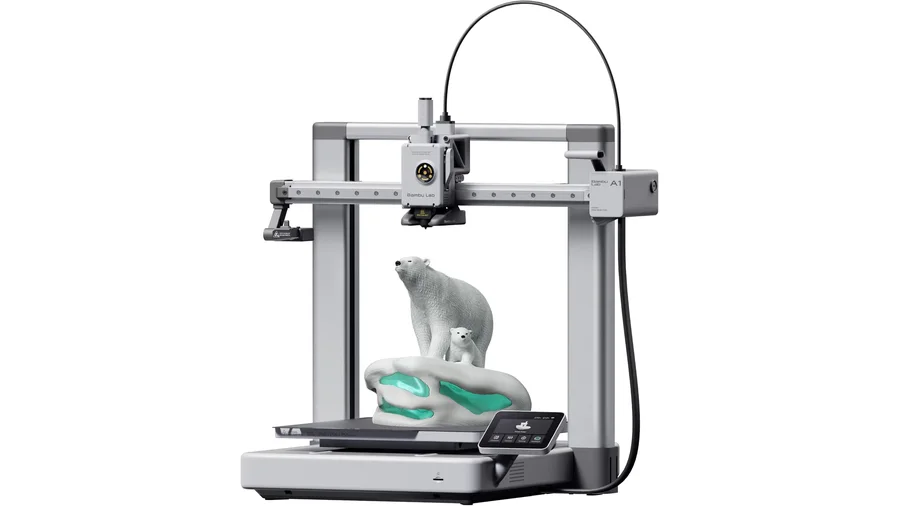
Different jobs: the A1 is the open-frame beginner king for PLA at the same $399, while the P1S's enclosure earns its keep for PETG consistency and ABS/ASA. PLA-only households should buy the A1; material-variety households should buy the P1S.
P1S or P2S in 2026?
The P2S ($569) brings a servo extruder, 300 °C hardened hotend standard, and tool-free hotend swaps — worthwhile for heavy use. The P1S at $399 is the value entry into the same ecosystem and still the default for most buyers.
Does the P1S come with the AMS?
No — the base unit is $399 and the AMS is separate (combo bundles exist, typically ~$549). Check the listing variant before ordering; the combo is the multicolor path.