review · Printers
Bambu Lab A1 Review: The Default Recommendation?
By Leo · Updated 2026-08-11
TL;DR
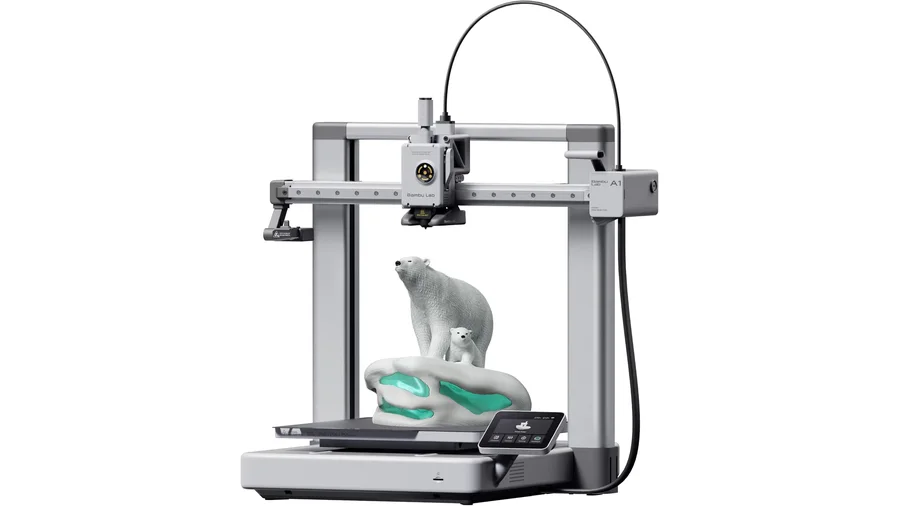
The A1 is the printer most people should buy: 256 mm build volume, near-zero tinkering to first good print, and the most mature consumer 3D printing ecosystem (slicer, profiles, multi-material add-on). It’s a bedslinger, not an enclosed CoreXY — which matters for ASA/ABS but not for PLA and PETG. If your budget is ~$400 and you want printing instead of a hobby of fixing printers, this is the default answer.
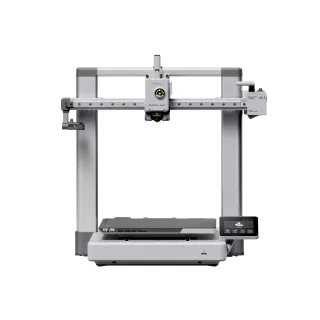
Bambu Lab
Bambu Lab A1
- build volume
- 256 × 256 × 256 mm
- max speed
- 500 mm/s
- enclosure
- No
What it does well
Out-of-box reliability is the headline. Community experience is remarkably consistent: calibration is automatic, first prints succeed, and stock profiles in Bambu Studio just work. For a first printer — or a second printer for someone tired of tuning an older machine — that reliability is the entire value proposition.
Build volume at 256 × 256 × 256 mm covers functional household parts, cosplay pieces, and batch printing of miniatures. The A1 Mini comparison covers who genuinely doesn’t need this much bed.
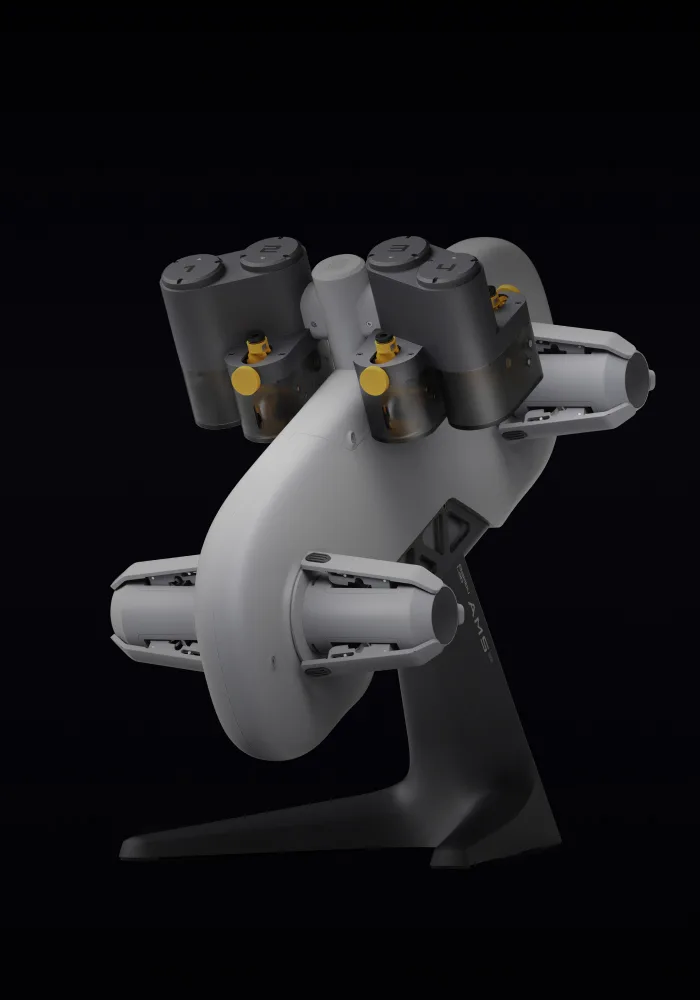
AMS lite adds multi-material (color changes, or simply printing supports in a different filament) at a saner price than the full AMS. Note it works best with PLA; PETG multi-material gets fiddlier.
What it doesn’t
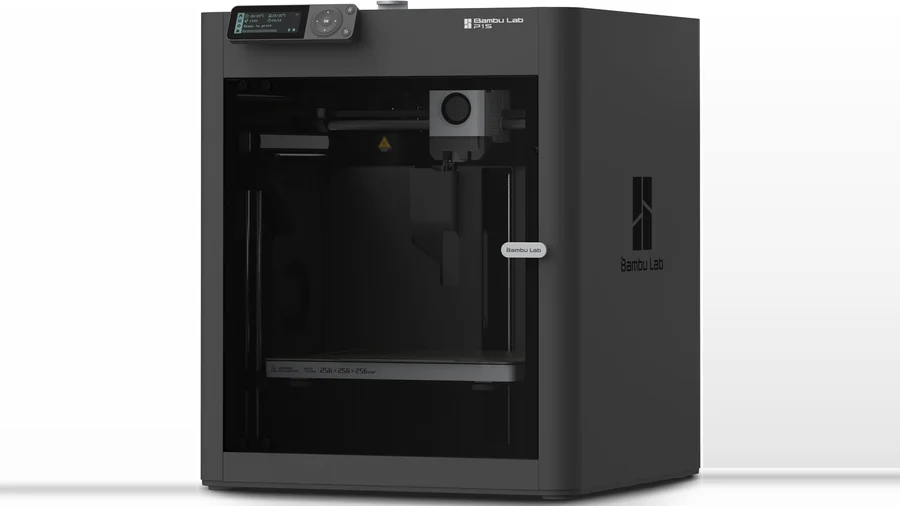
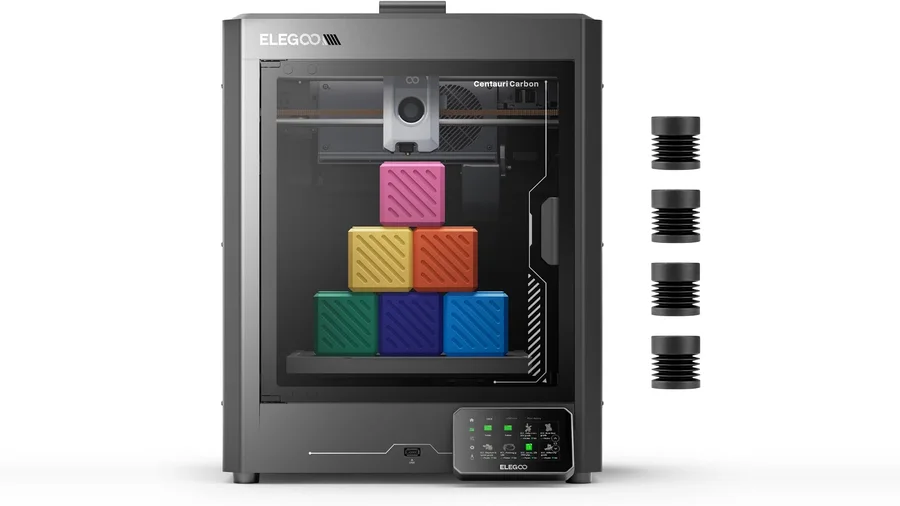
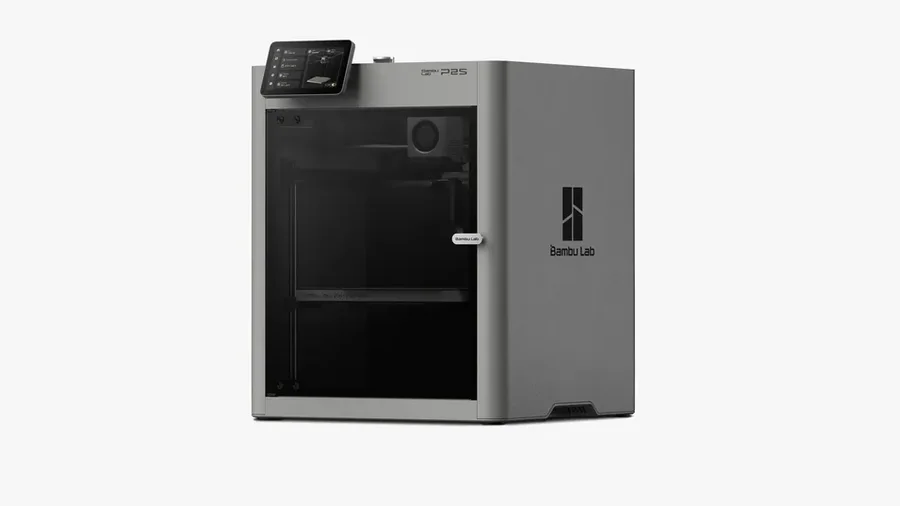
- Open frame: ASA, ABS, and other warp-prone materials really want an enclosure. For those, look at enclosed CoreXY machines — see Centauri Carbon vs P1S.
- Bedslinger physics: at extreme speeds the moving bed limits acceleration vs CoreXY. In practice, stock-speed output quality is excellent and most users never push past it.
- Ecosystem gravity: proprietary-ish parts and the Bambu software stack. The community has opinions; the practical impact for most buyers is small.
Pros
- Genuinely reliable out of the box
- 256 mm build volume
- AMS lite multi-material option
- Best-in-class slicer profiles
Cons
- Open frame — no ASA/ABS without workarounds
- Bedslinger speed ceiling vs CoreXY
- Ecosystem lock-in concerns for tinkerers
Protocol data: pending
Our printer test protocol run on the A1 (Benchy scoring, dimensional accuracy, 20-hour reliability) is scheduled — numbers land in this review and update the rating the week they’re measured. Current take reflects manufacturer specs plus consistent community-reported experience, labeled as such.
Who should buy it
- First-time buyers with ~$400 — the failure mode of cheaper machines (spending weekends tuning) is what kills the hobby; the A1 avoids it
- Miniature/tabletop batch printers — build volume + speed + optional multi-color
- Skip it if: you need enclosure-first materials (get an enclosed CoreXY), or you want a tinkerer’s machine (get an Ender-class platform and enjoy the tinkering)
Also see: best printers for beginners for the full decision picture.
FAQ
Is the Bambu Lab A1 good for beginners?
Yes — it's arguably the best beginner machine in its price class. Auto-calibration and reliable stock profiles mean first prints succeed without tuning experience, which is the single biggest predictor of sticking with the hobby.
Can the Bambu Lab A1 print ABS or ASA?
Technically, with caveats: it's an open-frame bedslinger, so warp-prone materials like ABS and ASA need draft protection, an enclosure hack, or lots of patience. For those materials, an enclosed CoreXY is the right tool.
Do I need the AMS lite?
Not to start. Buy the base machine, learn single-material printing, and add AMS lite later if you want multi-color or dedicated support filament. It upgrades cleanly.