comparison · Vs
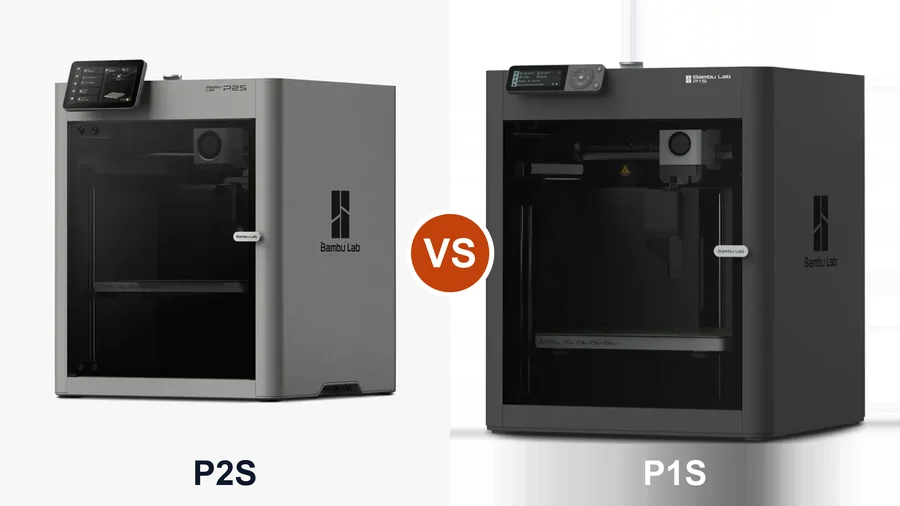
Bambu Lab P1S vs P2S: Worth the Upgrade?
By Leo · Updated 2026-08-27
TL;DR
The P2S keeps the P1S’s footprint and 256 mm build volume, then replaces nearly everything inside it: a servo extruder with 8.5 kg of extrusion force, AI print-failure detection, a tool-free quick-swap hotend with hardened nozzle standard, a 5-inch touchscreen, and — in the Combo — the AMS 2 Pro, which dries filament while it feeds. Upgrade if you print TPU or carbon-fiber filaments, leave prints unattended, or want multicolor with dry filament on tap. Don’t upgrade if your P1S quietly prints PLA and PETG — it does that essentially as well, there’s no trade-in program to soften a $569–$769 spend, and the P1S’s current $399 street price makes staying put even easier. Buying new rather than upgrading? The P2S is the better long-term platform; the P1S at $399 is the value play.
| Product | Rating | Build Volume | Max Speed | Enclosure | Buy |
|---|---|---|---|---|---|
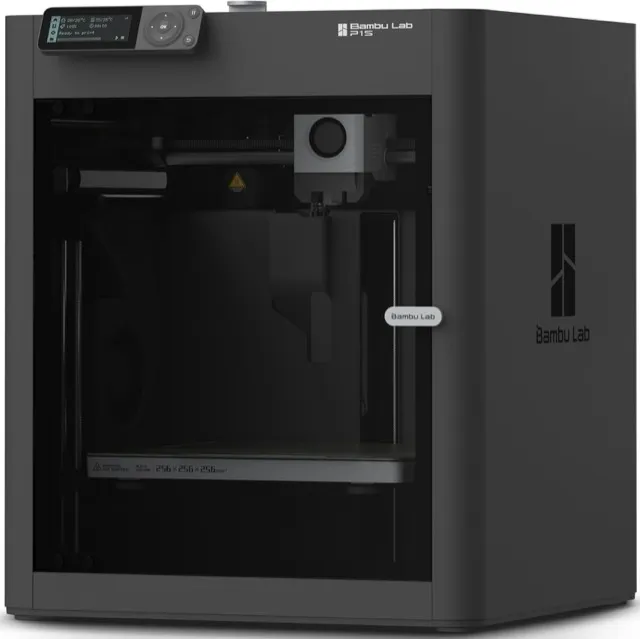 Bambu Lab P1S | 4.6 (community est.) | 256 × 256 × 256 mm | 600 mm/s | Yes | View |
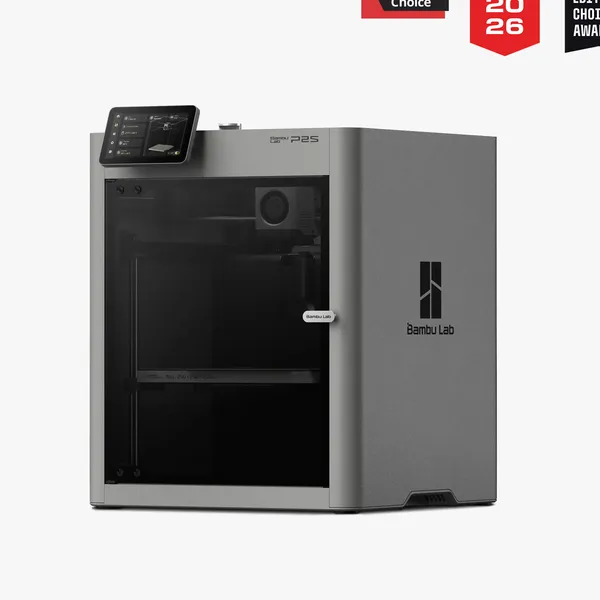 Bambu Lab P2S | — | 256 × 256 × 256 mm | 600 mm/s (1,000 mm/s toolhead peak) | Yes | View |
What’s identical
Footprint-class, 256 × 256 × 256 mm build volume, enclosed CoreXY architecture, Bambu Studio and MakerWorld ecosystem, and the 600 mm/s consistent print speed claim. For PLA and PETG, both machines produce the same quality of life: auto-calibration, reliable profiles, remote monitoring. If that’s your entire use case, this whole article is a $150+ answer to a question you don’t have.
What the P2S changes
- Servo extruder (the big one) — Bambu’s PMSM extruder pushes up to 8.5 kg of extrusion force, ~70% more than the previous generation (manufacturer spec), with 20 kHz grinding/clog detection. Concretely: TPU stops being a tuning project, and CF-filled filaments stop chewing standard gears — the P2S ships hardened nozzle and gear as standard.
- AI failure detection — spaghetti, blob, and start-check detection run on a 2 TOPS NPU with a 1080p camera. The P1S watches nothing; it prints whatever the print turns into.
- Hotend system — one-clip, tool-free swaps (Bambu claims ~30 s) on the new H2D-family hotend, 300 °C rated, hardened steel standard. P1S hotends and A1 nozzles do not carry over (manufacturer FAQ) — budget a fresh spares kit.
- Chamber and airflow — same passive approach (~50 °C from a 25 °C room, no active heater), but the P2S adds an adaptive cold-air intake for better overhangs with the door closed, plus carbon filtration and airflow flaps. Better-behaved ASA, not a materials miracle.
- AMS 2 Pro in the Combo — the P1S pairs with the original AMS, which can’t dry while printing. The AMS 2 Pro actively vents and dries up to 65 °C mid-print (manufacturer spec) — the single most relevant upgrade for nylon, PETG-in-humid-climates, and any multicolor setup you leave running overnight.
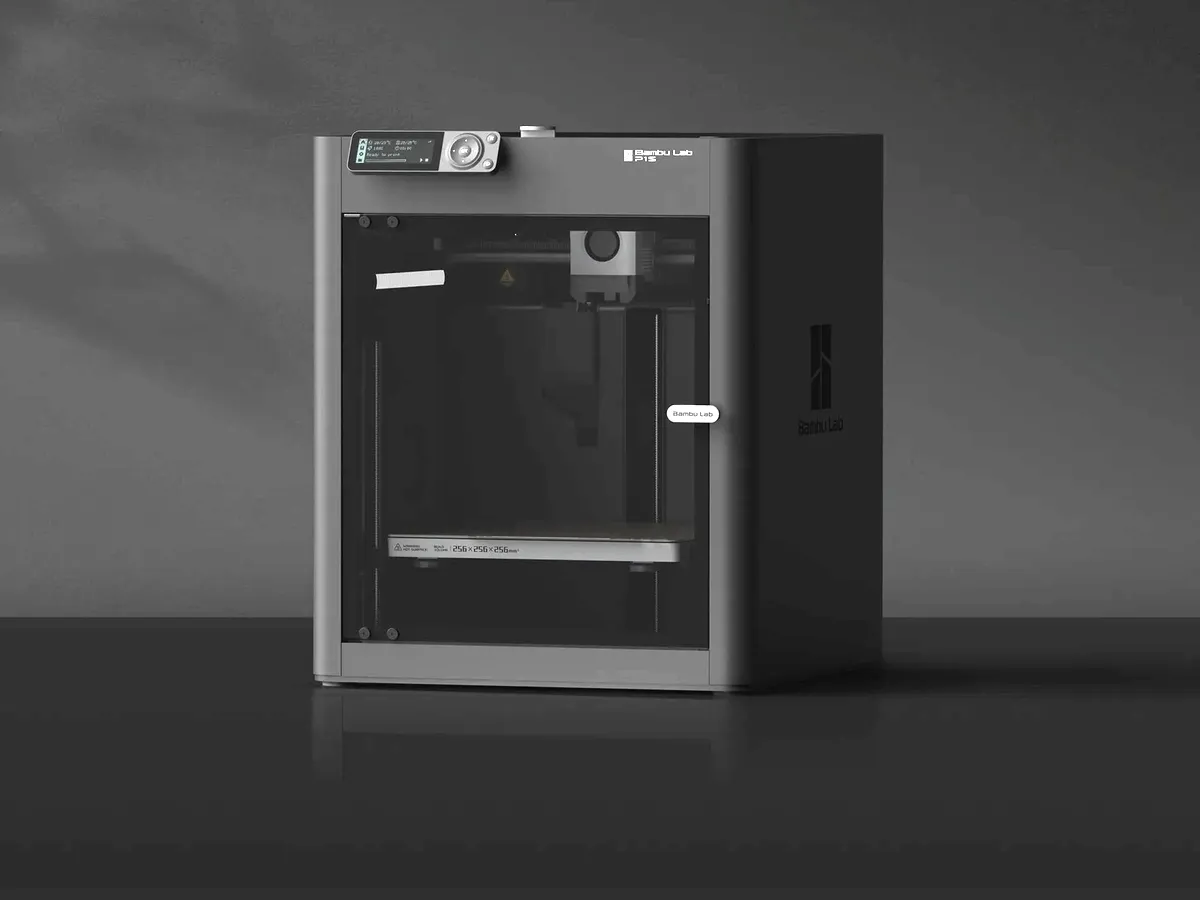
- Interface and monitoring — 5-inch touchscreen with the second-generation UI versus the P1S’s small screen and dial. Nice, not decisive.
What it costs you
- $569 base / $769 Combo on Amazon — both sold by Bambu Lab’s official Amazon store, and those are the listings our product links point to (we earn a commission on them). Bambu’s own storefront undercuts each SKU by about $20 ($549/$749). The plot twist: the P1S base is currently $399 on Amazon, down from $599 earlier this summer — which widens the gap to ~$170 and makes “stay put” the financially obvious answer for PLA/PETG users.
- Spare-parts reset — hotends, and likely other wear items, are generation-specific. Your P1S spares don’t follow you.
- Depreciation — the P1S holds decent resale value today precisely because it’s proven; that softens as the P2S review cycle fills out.
Who should do what
- Upgrade from P1S: you print TPU, nylon, or CF-blends regularly · you run overnight/unattended prints and want AI failure detection · you’re expanding multicolor (AMS 2 Pro drying changes the math)
- Stay on P1S: PLA/PETG household printing · the machine works and your spares bin is stocked · you’d rather put $549 toward filament and an A1 as a second machine — see A1 vs A1 Mini if you go that route
- Buying new, money no object between the two: P2S. It’s the current platform with a longer runway.
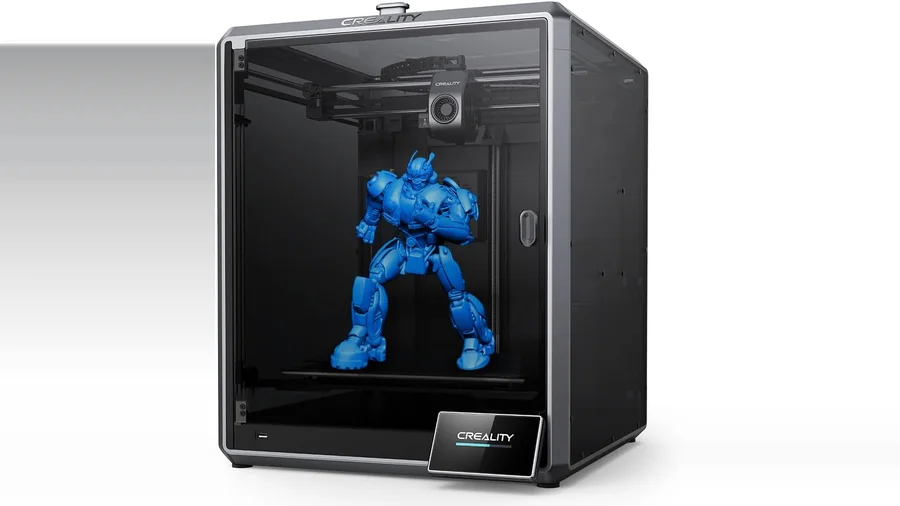
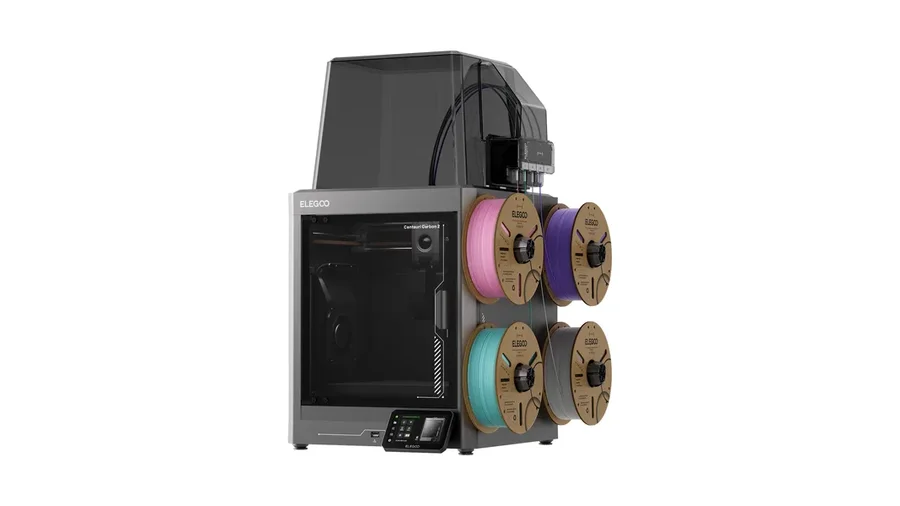
- Budget capped: if $569 is a stretch, the enclosed-corexy fight is at Centauri Carbon vs P1S — $299–$349 for the Elegoos, or the P1S itself at its current $399 — surprising capability, minus the P2S’s new-generation hardware
FAQ
Is the P2S worth upgrading from a P1S?
For PLA/PETG hobby printing: no — print quality and speed claims are the same, and the P1S does that as well as ever. For TPU, carbon-fiber filaments, unattended reliability (AI detection), or multicolor with the drying AMS 2 Pro: yes, those are exactly the gaps the P2S was built to close.
Can the P2S use my P1S hotends and nozzles?
No. The P2S moved to the new one-clip quick-swap hotend — H2D-family nozzles are compatible, P1S and A1 nozzles are not (per Bambu's FAQ). Factor a fresh spares kit into the upgrade cost.
Does the P2S come with an AMS?
The $549 base unit doesn't; the $749 Combo includes the AMS 2 Pro. The AMS 2 Pro matters beyond color: it dries filament while printing, which the original AMS paired with the P1S cannot do.
Where can I buy the P1S and P2S?
Both are on Amazon through Bambu Lab's official store — P1S $399, P2S base $569, P2S Combo $769 as of August 2026 — and on Bambu's own storefront at roughly $20 less per SKU. The product links on this page use the Amazon listings.